Text-to-Image Creation
Describe your subject, scene, style, lighting, composition, and mood, then generate images from text prompts.
Image Preview
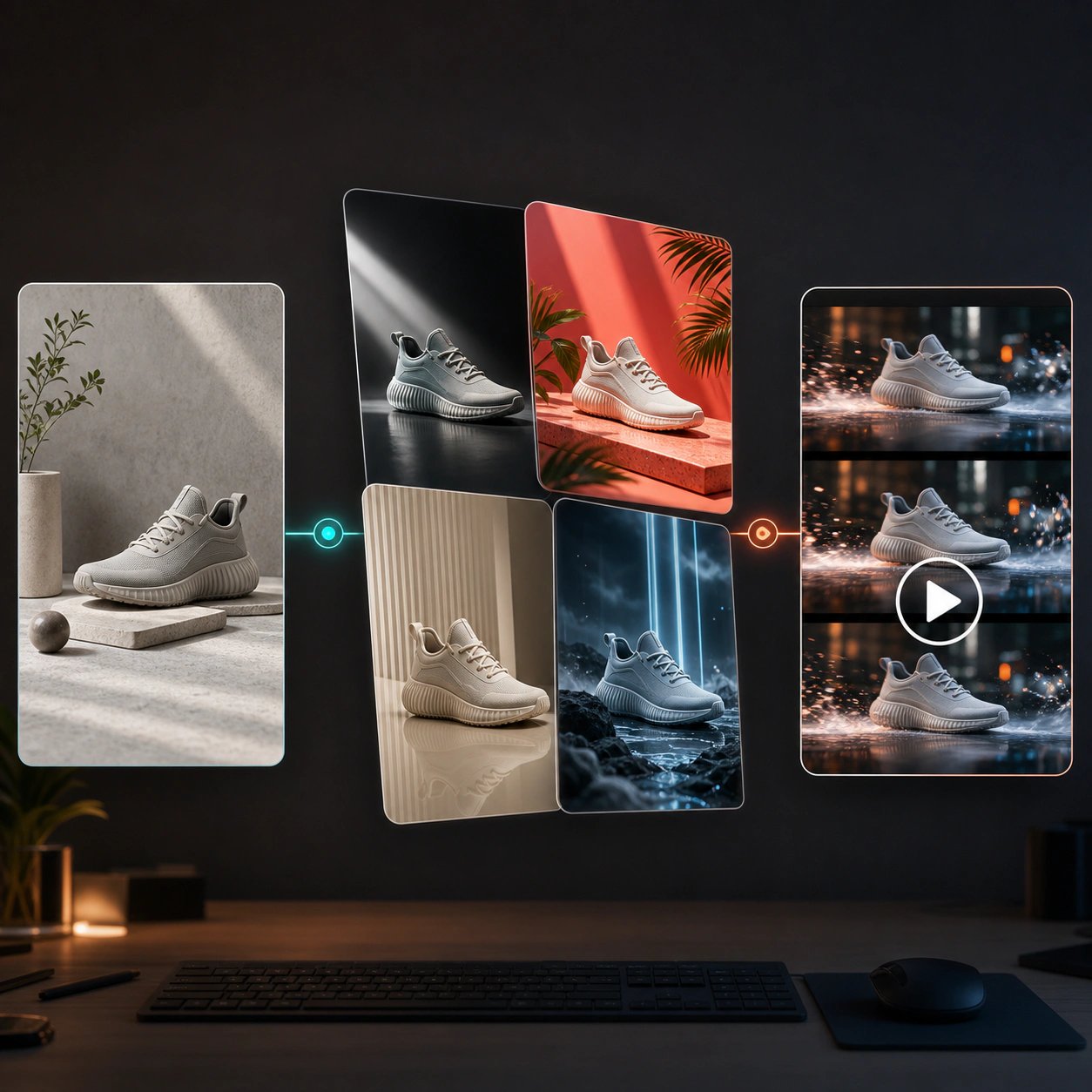
Create high-quality images from text prompts in seconds. Use AI to generate product visuals, social media posts, ad creatives, concept art, brand graphics, and more without complex design tools.
Move from blank page to usable creative faster. The AI Image Generator helps teams describe an idea, control visual direction, and create polished images for marketing, design, and content production.
Describe your subject, scene, style, lighting, composition, and mood, then generate images from text prompts.
Create clean product scenes, campaign visuals, social media assets, editorial graphics, and concept images.
Explore realistic photography, illustration, cinematic scenes, brand visuals, posters, backgrounds, and art concepts.
Generate images for feeds, ads, banners, landing pages, thumbnails, presentations, and product pages.
Compare multiple visual directions quickly and refine prompts until the result matches your creative brief.
No advanced design tools required. Write a prompt, choose settings, and generate images ready for your next project.
Use AI image generation to accelerate everyday creative production, from campaign concepts to polished visual assets.
Create product scenes, lifestyle visuals, clean backgrounds, and promotional assets from text prompts without scheduling a new photoshoot.
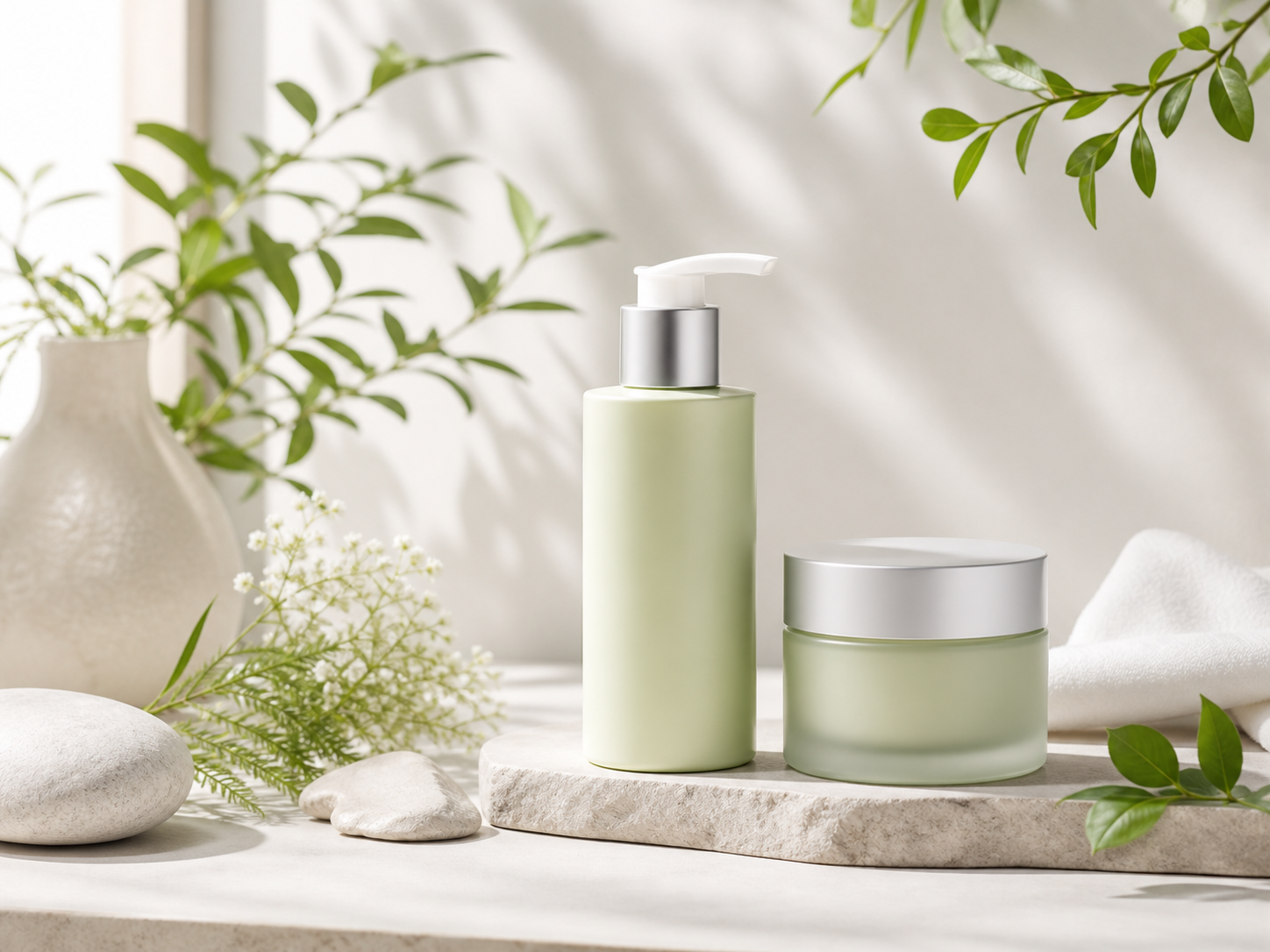
Generate campaign concepts, visual hooks, background scenes, and ad-ready image variations for faster creative testing.
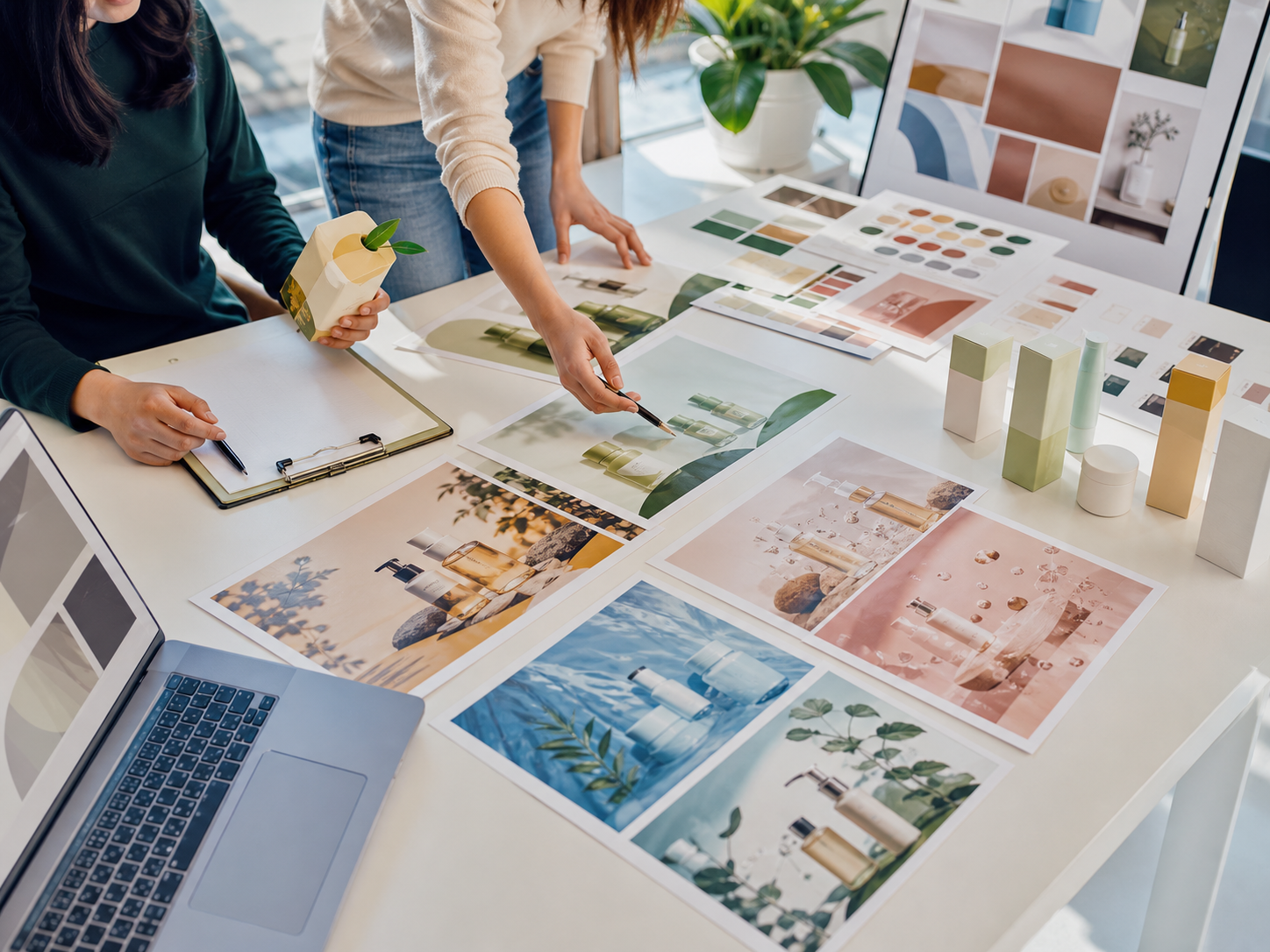
Produce scroll-stopping posts, thumbnails, posters, and branded images for Instagram, TikTok, YouTube, newsletters, and paid social.
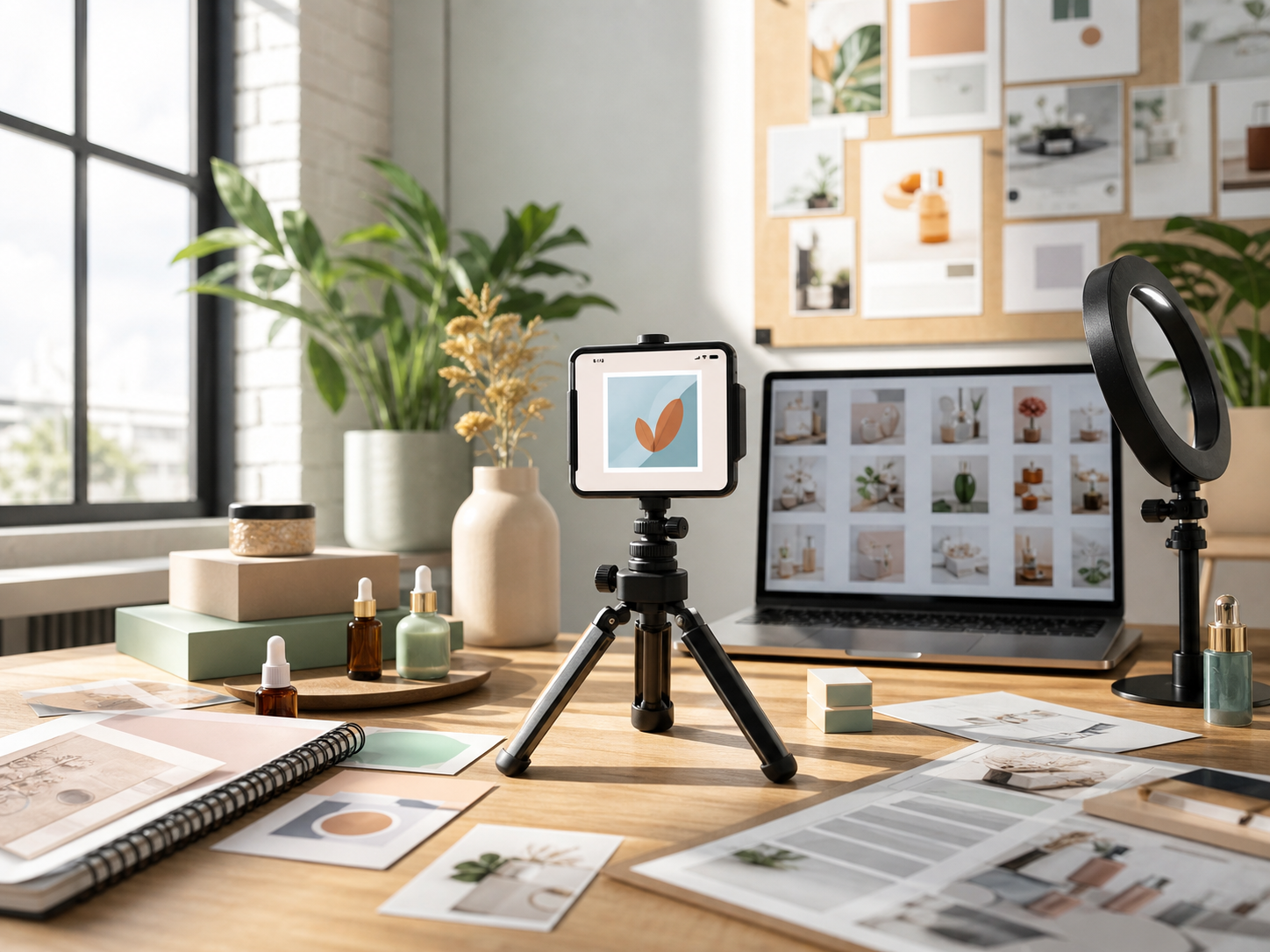
Creating images with an AI Image Generator is simple: describe your idea, choose the right settings, generate options, and refine the direction.
Describe the image you want, including subject, scene, style, colors, lighting, camera angle, and composition.
Select aspect ratio, model, resolution, and output quantity based on where the image will be used.
Click generate and let the AI create multiple visual options from your prompt and settings.
Adjust your prompt, regenerate, or create a new direction until the image matches your brief.
Save generated images for ads, social posts, product pages, presentations, editorial content, or creative production.
AI image generation supports a wide range of production needs, from quick visual exploration to finished assets for campaigns and content.
Create product scenes, seasonal campaign images, hero banners, and marketplace assets.
Generate ad visuals, moodboards, creative hooks, and testable image variations.
Create posts, thumbnails, story visuals, creator assets, and short-form video covers.
Generate branded illustrations, landing page graphics, email visuals, and campaign imagery.
Create characters, environments, scenes, props, and visual directions for games, film, and storytelling.
Generate article covers, feature images, educational visuals, and custom editorial graphics.
Answers to common questions about text prompts, image settings, marketing use, and improving generation quality.
An AI Image Generator is a tool that creates images from text prompts. You describe the image you want, and the AI generates visual results based on your prompt and settings.
The AI interprets your prompt, including subject, style, composition, and visual details, then creates an image that matches the description.
You can create product images, ad creatives, social media visuals, concept art, posters, illustrations, backgrounds, thumbnails, and brand assets.
No. The workflow is designed for creators, marketers, founders, and teams who need visuals quickly without advanced design software.
Describe the subject, setting, style, lighting, colors, camera angle, composition, and intended use. More specific prompts usually produce better results.
Yes. AI-generated images can support ads, ecommerce pages, social media, blog visuals, landing pages, and campaign testing.
Use square formats for feeds, vertical formats for stories and short-form platforms, and widescreen formats for banners, landing pages, and presentations.
Use clear prompts, choose the right model and aspect ratio, generate multiple variations, and refine your prompt based on the result.