Prompt-First Video Creation
Describe the scene, motion, lighting, subject behavior, and camera direction, then generate video from text.

Sample Video
Turn written ideas into AI video clips for real creative workflows. Describe the subject, scene, motion, camera direction, mood, and format, then generate videos for campaigns, social media, product storytelling, and visual exploration.
Prompt
A cinematic product launch clip with a glossy electric car crossing a sunlit studio floor, slow dolly camera movement, realistic reflections, premium commercial lighting, 16:9.
Text to Video AI helps teams move from written prompts to usable video concepts without filming from scratch. Define the subject, action, camera language, and visual style in one compact workflow.
Describe the scene, motion, lighting, subject behavior, and camera direction, then generate video from text.
Create product teasers, launch visuals, paid social hooks, storyboards, and brand campaign clips from simple briefs.
Generate concepts for vertical shorts, square feeds, widescreen pages, presentation clips, and paid media placements.
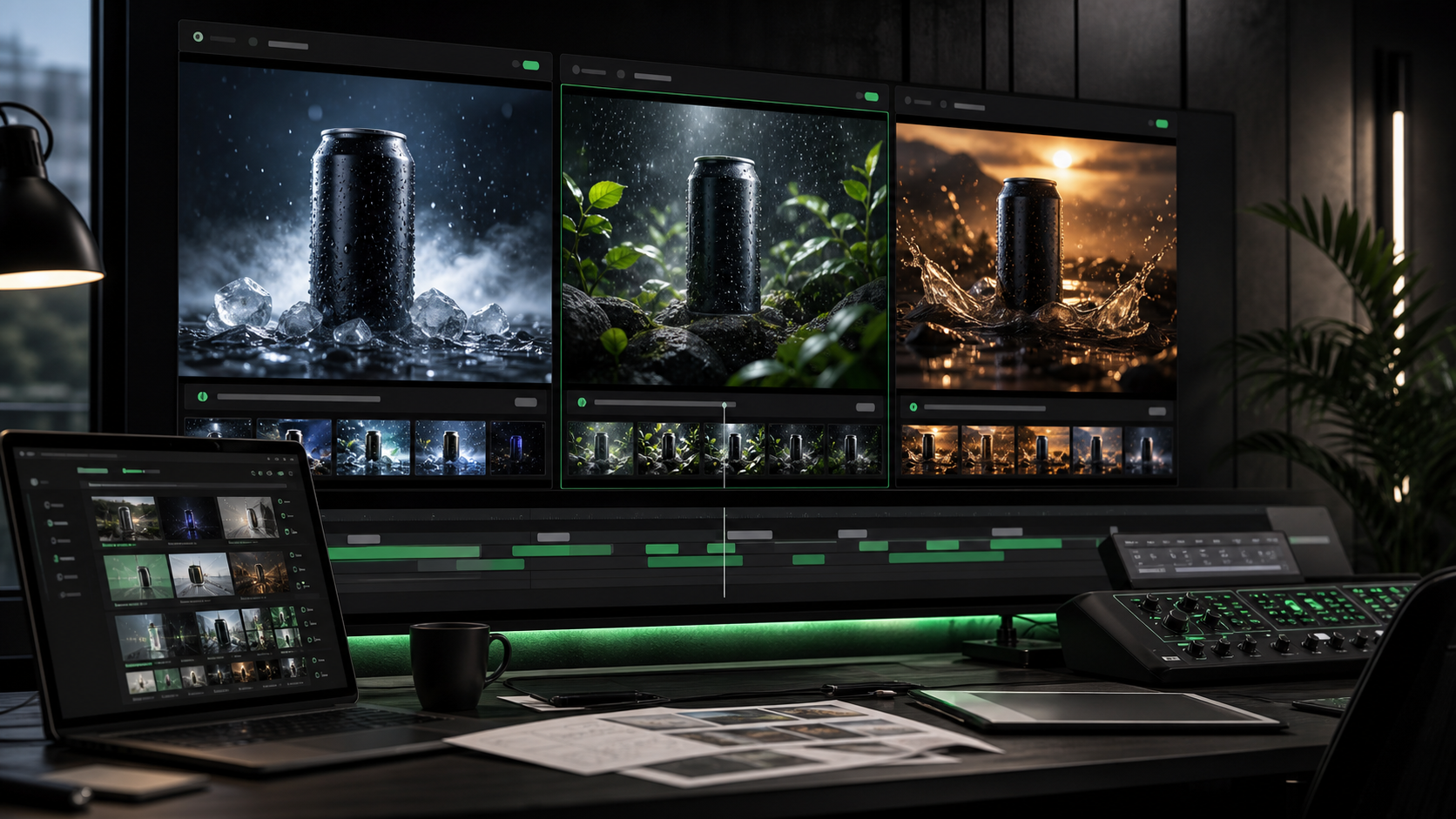
Explore multiple hooks, moods, environments, and visual directions before committing time to production.
Use text prompts to create video concepts for commerce, social publishing, campaign testing, and story-driven content.
Describe the product, surface, lighting, camera movement, and brand mood to generate premium launch clips and hero visuals.
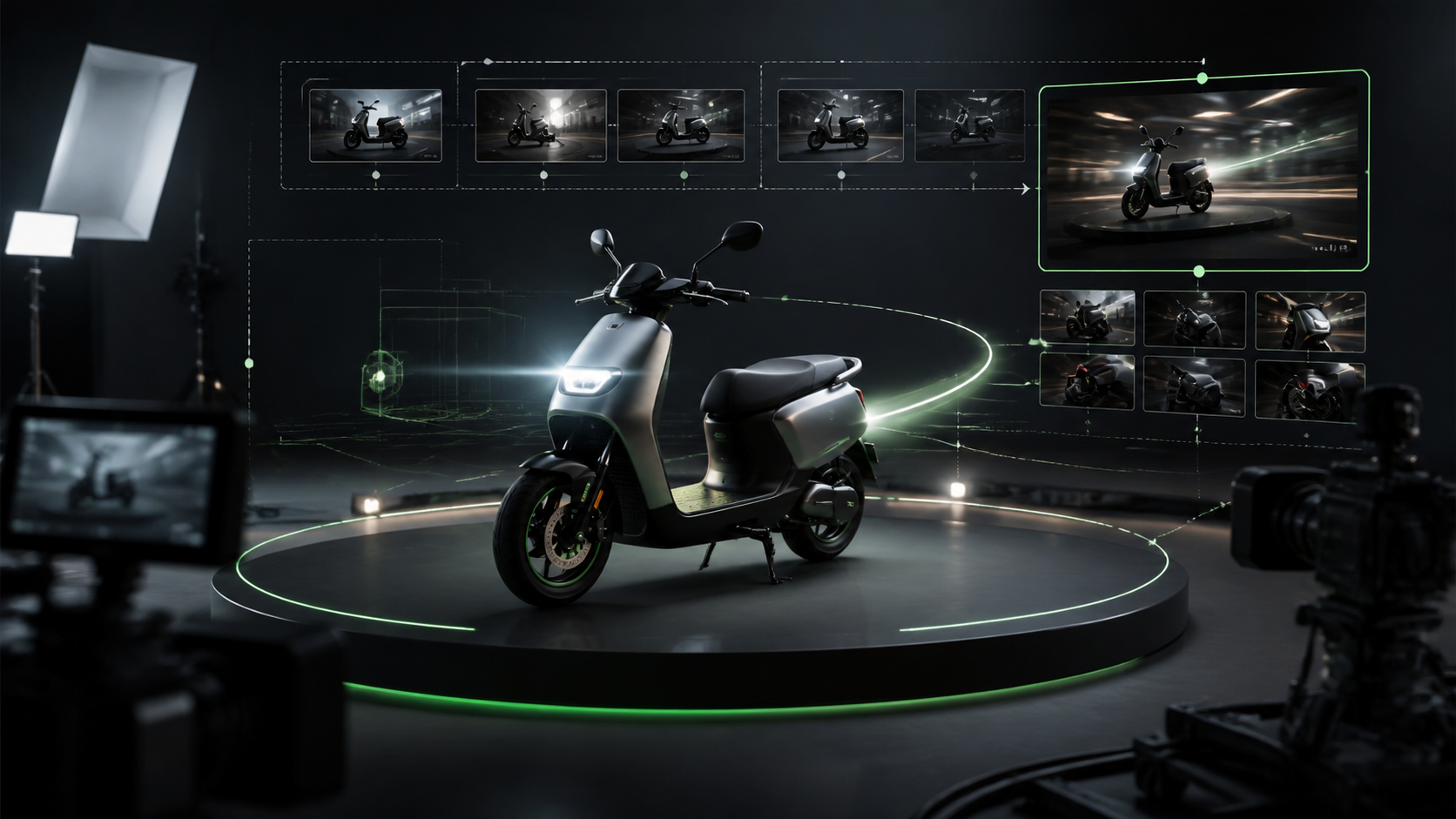
Turn a campaign angle into multiple video directions for testing intros, environments, pace, and audience-specific visuals.
Create short-form video ideas for TikTok, Instagram Reels, YouTube Shorts, creator content, and fast editorial experiments.
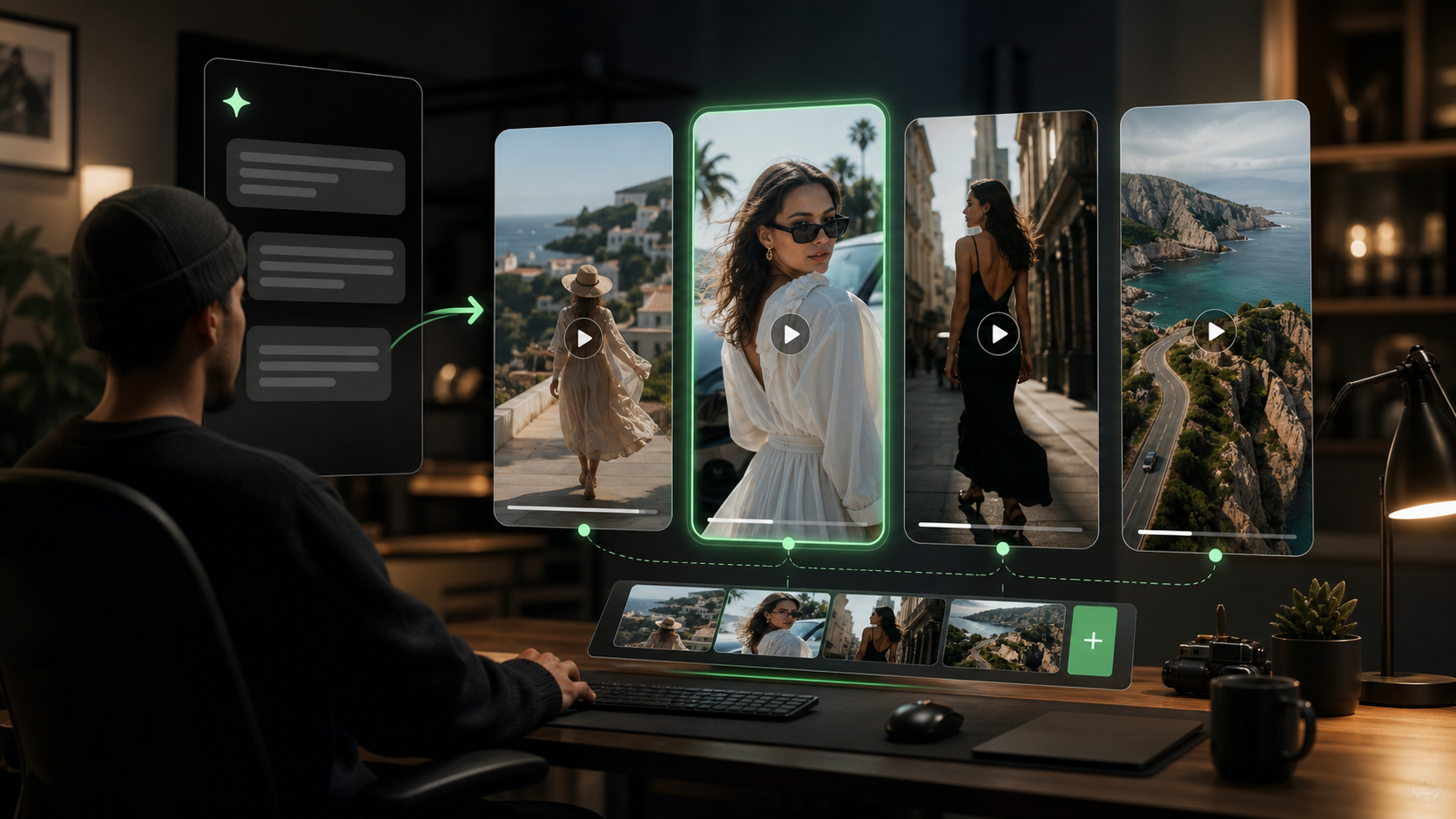
Start with a clear prompt, choose the output settings, generate a draft, and refine the language until the motion and mood fit your brief.
Describe the subject, environment, action, camera move, lighting, mood, and intended use.
Select aspect ratio, duration, resolution, model, and output count based on your channel or campaign.
Let the AI create a moving clip from your prompt and compare the first result against your creative direction.
Adjust the prompt for pace, subject action, camera movement, or style, then generate a stronger version.
Text to Video AI supports early concepting and production-ready creative across marketing, ecommerce, entertainment, and content teams.
Create hero videos, teaser scenes, marketplace visuals, and campaign directions from product briefs.
Generate video hooks and visual variants for ad testing before investing in full production.
Produce short clips for creator posts, reels, channel intros, thumbnails, and story-driven feeds.
Preview shots, camera moves, environments, and lighting ideas for film, games, and narrative projects.
Translate campaign language into motion directions for pitches, moodboards, and visual explorations.
Generate animated scene concepts for explainers, article visuals, presentation media, and learning content.
Answers to common questions about prompts, video settings, commercial use, and improving generated motion.
Text to Video AI is a generation workflow that creates video clips from written prompts describing a scene, action, camera movement, and visual style.
No. Text to Video starts from a prompt only. If you want to animate an existing image, use the Image to Video page instead.
Include the subject, action, environment, camera movement, lighting, mood, style, aspect ratio, and the channel where the video will be used.
Yes. It is useful for creating ad concepts, hooks, product launch clips, campaign variants, and social media drafts.
Use vertical formats for shorts and stories, square for feeds, and widescreen for landing pages, presentations, YouTube, and hero sections.
Make the prompt specific, keep the scene focused, describe motion clearly, choose settings for the target platform, and regenerate several directions.