Prompt-Guided Motion Control
Describe camera movement, subject animation, lighting, mood, and background action with simple text prompts.

Sample Video
Turn any still image into a polished AI video for product ads, social campaigns, landing pages, and creative storytelling. Upload an image, describe the motion, and generate platform-ready video content in seconds.
Original Image
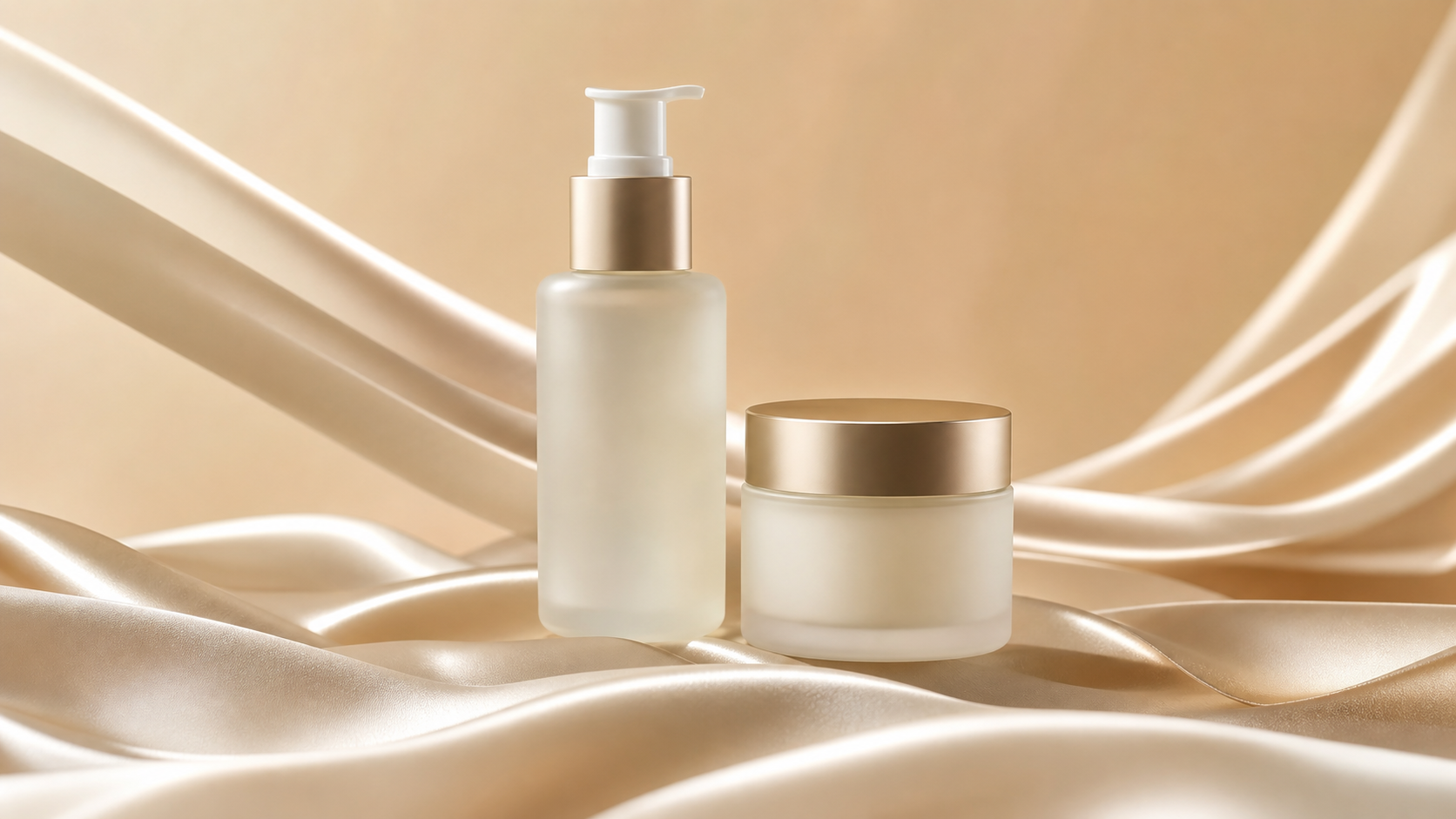
Prompt
Sample Video
Original Image
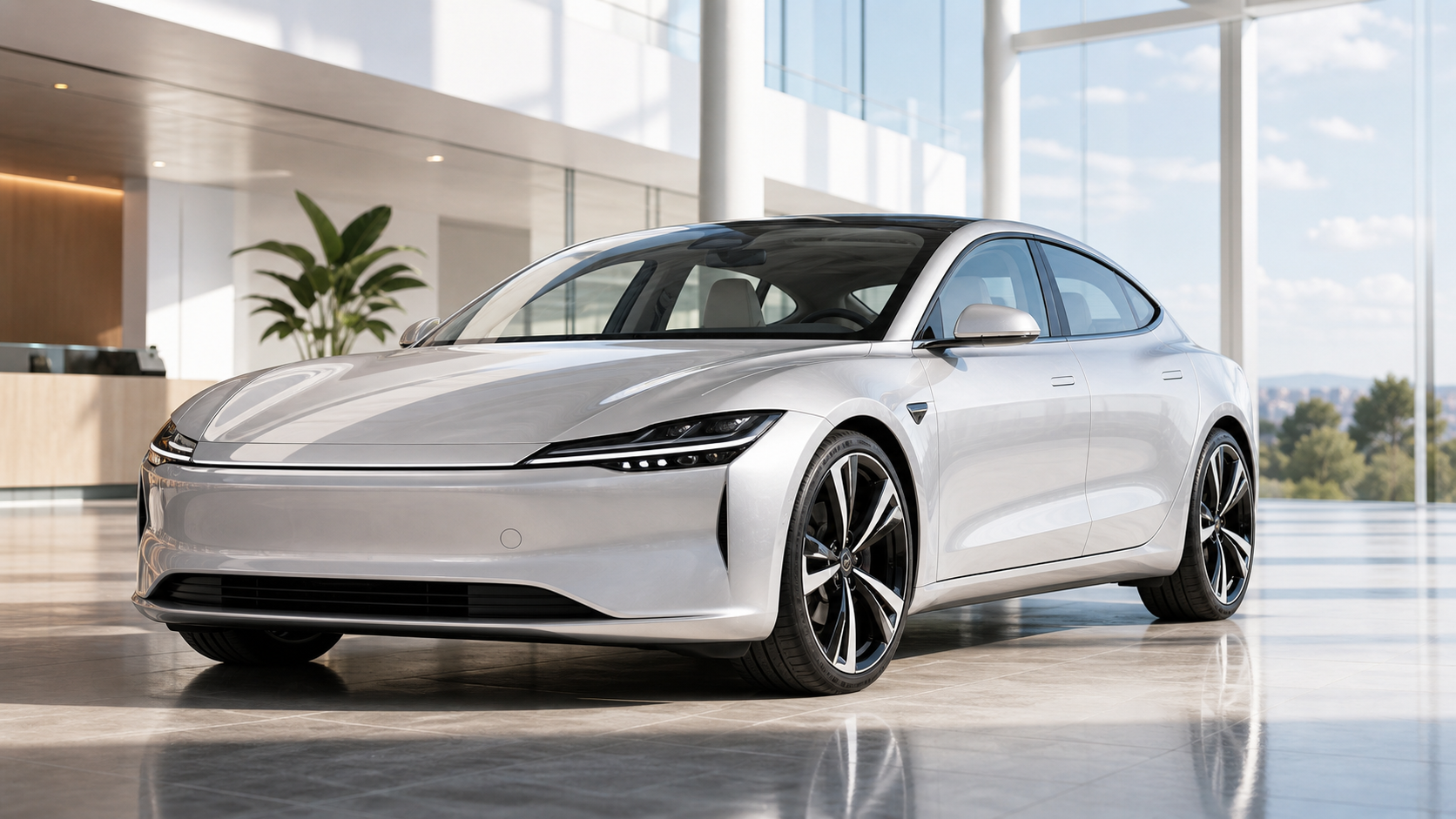
Prompt
Sample Video
Original Image
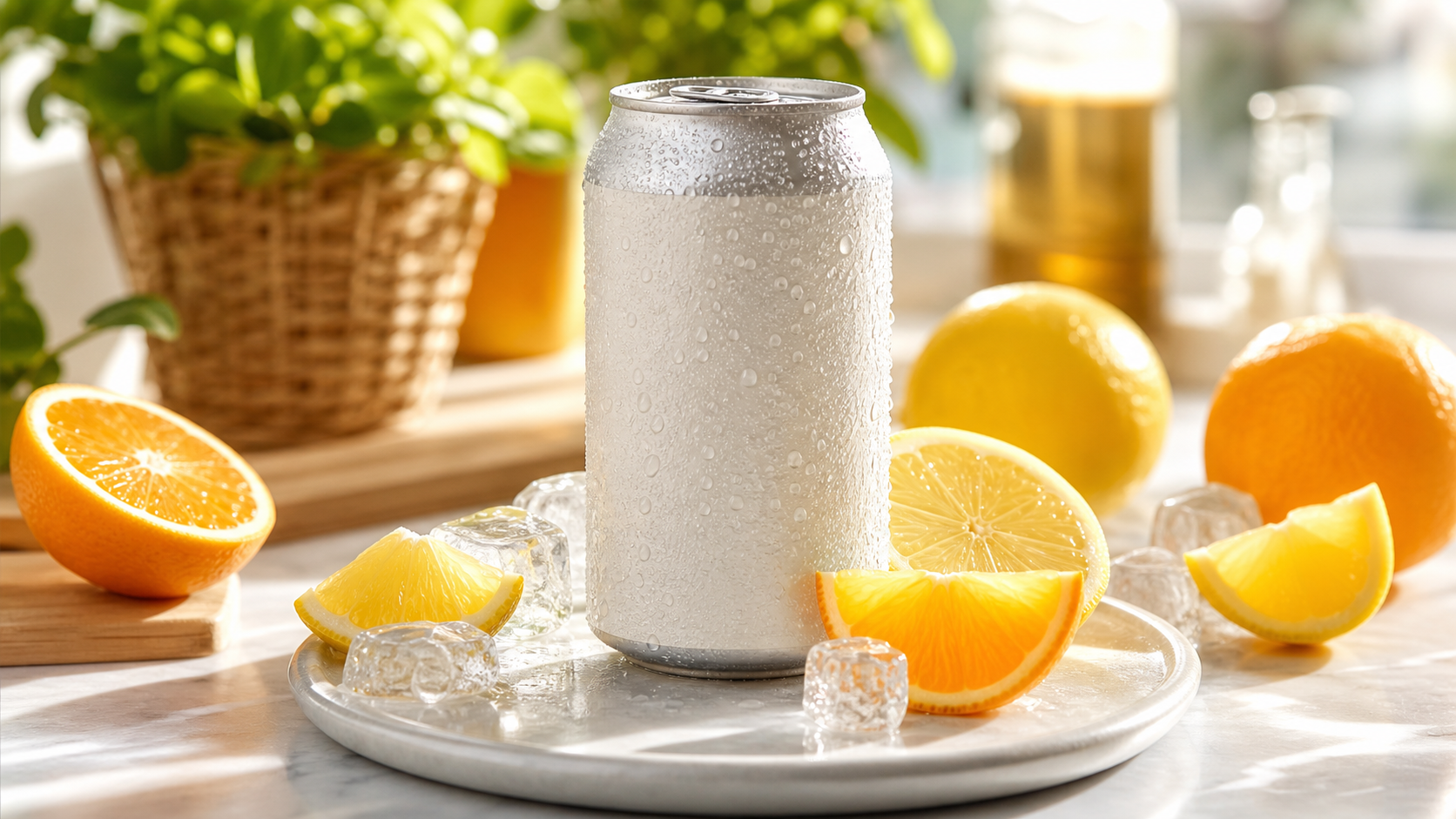
Prompt
Sample Video
Image to Video AI is built for teams that need more video output from existing creative assets. Generate motion with prompts, preserve the source image, and create videos ready for ads, social posts, and product pages.
Describe camera movement, subject animation, lighting, mood, and background action with simple text prompts.
Transform product photos, campaign visuals, and brand assets into clean videos for launches, ads, and landing pages.
Create image to video outputs for short-form platforms, widescreen pages, square feeds, and paid media placements.
Generate multiple motion directions from one image so you can compare hooks, scenes, and campaign ideas faster.
Use Image to Video AI to move from static assets to usable video creative across commerce, advertising, and social storytelling.
Create premium product videos from a single product image. Add smooth rotation, light movement, flowing backgrounds, and cinematic camera effects to make your product feel more engaging.
Bring portraits, packaging shots, key visuals, and branded artwork to life with subtle subject motion, atmosphere, and polished camera movement.
Convert posters, concept art, lifestyle photos, and promotional images into videos for TikTok, Instagram Reels, YouTube Shorts, and paid social campaigns.
The workflow is designed for speed: upload an image, guide the motion, choose the right output settings, and generate a video you can use or refine.
Start with a product photo, portrait, illustration, brand asset, concept image, or any visual you want to animate.
Describe the camera movement, subject action, atmosphere, lighting change, or visual effect you want the AI video generator to create.
Select aspect ratio, resolution, duration, and model options based on the platform or campaign you are creating for.
Create the AI video, compare motion directions, then download or regenerate until the result matches your creative brief.
Image to Video AI helps turn existing visual libraries into a steady stream of video assets for marketing, commerce, and creative production.
Create product demos, hero clips, marketplace visuals, and launch assets from existing product photography.
Generate video variations for hooks, angles, visual concepts, and campaign tests without starting every asset from scratch.
Turn brand images, creator posts, campaign graphics, and posters into short videos for social publishing.
Animate illustrations, avatars, fantasy scenes, game art, and concept designs with cinematic movement.
Add motion to interiors, landscapes, hotels, destinations, and lifestyle photography for more immersive presentations.
Convert key visuals into launch teasers, animated campaign assets, landing page media, and newsletter content.
Answers to common questions about image uploads, prompts, video settings, commercial use, and getting better generation results.
Image to Video AI is a video generation workflow that turns a still image into a moving video using AI-generated motion and prompt-based direction.
It is useful for marketers, ecommerce teams, creators, designers, advertisers, and anyone who needs video content from existing images.
Yes. You can create product videos, ad creatives, launch visuals, and ecommerce content from product photos or campaign images.
Yes. Use the prompt to guide camera movement, subject action, lighting, atmosphere, background effects, and overall visual style.
Clear, high-quality images with a strong subject usually work best. Product photos, portraits, illustrations, concept art, and campaign visuals are strong starting points.
No. Upload an image, write a prompt, choose settings, and generate. The AI video generator handles the motion creation process.
Yes. Image to Video AI is ideal for TikTok, Instagram Reels, YouTube Shorts, paid social ads, and other short-form content needs.
Use a clear image, write a specific motion prompt, choose settings that match your target platform, and generate variations to compare different directions.